
The client approved a precedent photo, and wants the SketchUp scheme to match
Sometimes the look is already agreed — a precedent photo the client pinned, a project they keep pointing at — and the job is to make your scheme look like that. Describing a photograph in a prompt loses most of it. This takes two images instead: your SketchUp view for the geometry and the reference photo for materials, light and atmosphere, and renders the one in the language of the other.
SketchUp (any recent version)
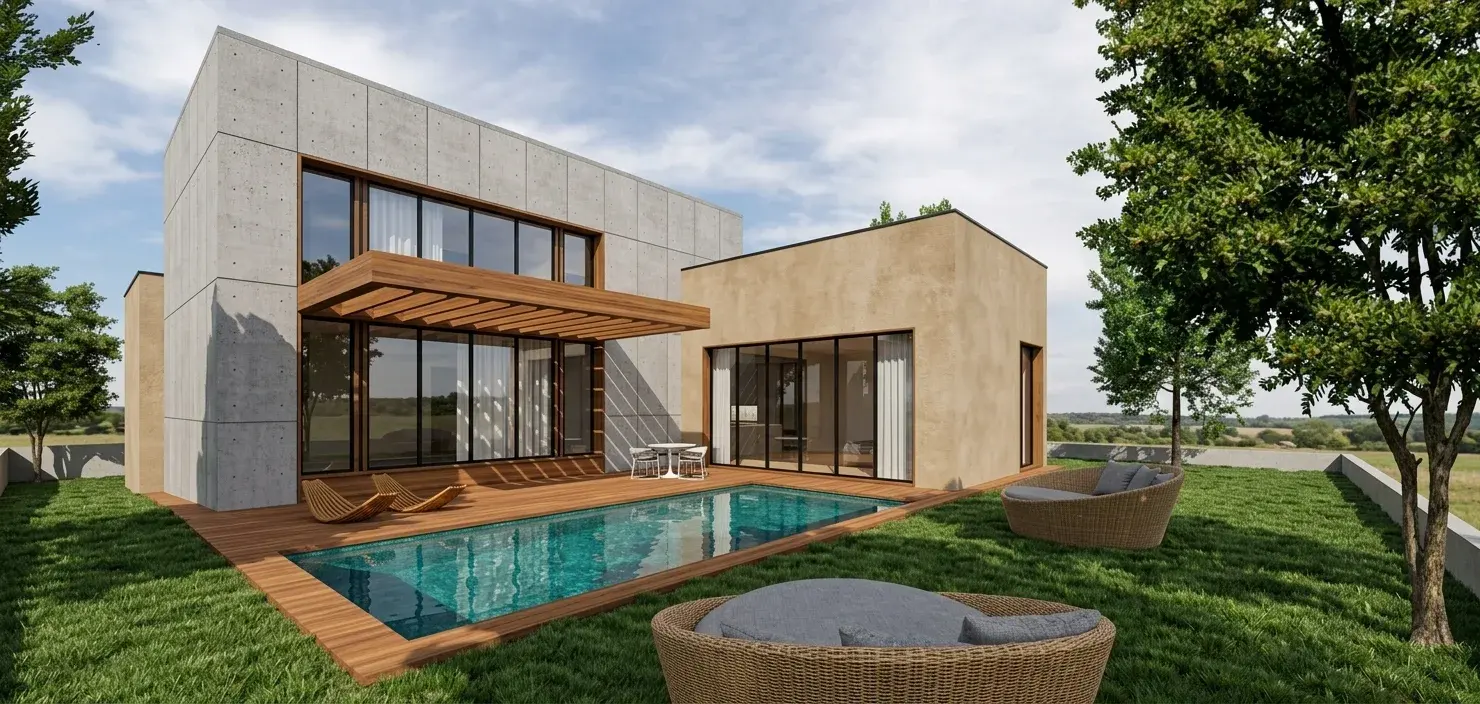
How the SketchUp plugin handles it
Match the camera to the reference
Set the SketchUp camera to roughly the reference’s viewpoint — eye level against eye level, aerial against aerial. The closer the framing, the more of the reference’s light transfers cleanly.
Send to VotexArch and pick Style Match
Use Send to VotexArch, choose the Style Match tab, and save the PNG. On that tab, attach the export as the geometry input and the precedent as the reference.
Keep the prompt for exceptions
The reference sets the look. Use the prompt only for what should differ from it — a material the reference does not show, or a time of day it does not have.
What SketchUp hands over
A SketchUp export is a clean geometry input: plain faces, known edges, no photographic noise. That is exactly what Style Match wants on the geometry side, because every material and lighting cue then comes from the reference rather than from whatever textures happen to be applied in the model.
The thing that goes wrong
A reference lit from the opposite side of your view gives the render two light directions to reconcile, and the result rarely convinces. Set SketchUp’s shadows to a sun direction that agrees with the photograph, or pick a precedent whose light could plausibly fall on your building.
Do you preserve geometry?
Yes. Every render pass is constrained to your source geometry and camera position, so walls, proportions, and perspective stay locked instead of being reimagined by the model.
Models available for this
Every model draws from the same credit balance, and a credit is only spent on a successful generation.
- Reference Render6 cr / image
Questions
- Can I use any photo as the reference?
- Use one you have the right to use in client material. The reference supplies materials and light, not content, but the output is going in front of a client, so the same care applies as with any precedent image.
- Should the SketchUp model be textured?
- It is not required. Leaving the model untextured gives the reference the most control over materials; textures in the model compete with it. Since the whole point of this tool is that the reference decides the look, untextured is the natural starting point.