
3D Asset Studio
Turn a single image into a downloadable 3D mesh
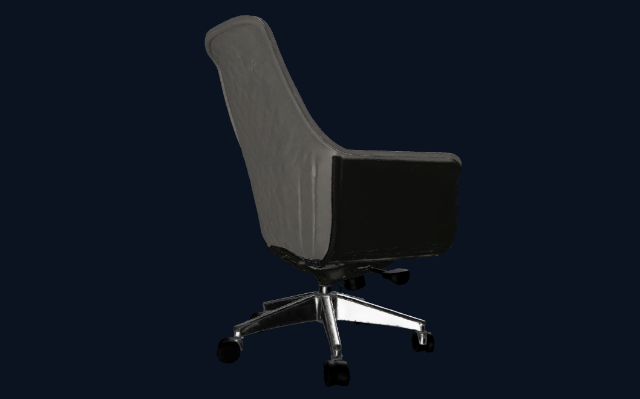
One photograph in, a 3D mesh out, viewable in the browser before you commit to a download. Useful for populating a scene with a specific object rather than settling for whatever the asset library happens to stock.
You bring
A single photo of an object, product or building
You get back
A downloadable mesh, previewable in the browser
Where it earns its place
- Getting a specific piece of furniture into a scene
- Capturing an existing building or object from a photograph
- Building a library of props that belong to your project, not a stock pack
Models and what they cost
Live figures from the same catalog the workspace bills against — 2 models available in this tool.
| Model | Provider | Cost |
|---|---|---|
| Trellis 2 | Microsoft Research (Fal Workflow) | 30 cr |
| Hyper3D Rodin V2.5 | Hyper3D (Fal Workflow) | 10 cr |
Ready to try it on your own project?
You own what you upload and what you generate. Uploads are deleted from our storage after 7 days, and rendering runs on third-party AI providers — how we handle your work.
Other tools
RendersA photoreal still at presentation qualityRenovationThe same room, restyled, with its layout preservedVirtual StagingThe same room, furnished and lit, ready for the listingRetouchThe same image with the requested change appliedFloor Plan 3DA photoreal isometric cutaway of that planSketch & PresentationAn ink-and-watercolour presentation illustrationStyle MatchYour geometry rendered in the reference’s material and lighting languageWalkthroughsA cinematic walkthrough clipConstruction VideoA clip that animates the build between the two framesUpscalerThe same image up to 4x larger, with detail rebuilt3D Print PrepA printable 3MF, STL or OBJ, in as many pieces as it needsCompliance AuditA written design and code-compliance review